
Microsoft Teams
Microsoft collaboration platform combining chat, video meetings, and file sharing with Microsoft 365.
Quick take
Teams wins on distribution, not product quality. It is good enough at video calling and great at integration with the Microsoft stack. The bot blocking move in 2026 signals that Microsoft wants to own the entire meeting experience (recording, transcription, AI summaries) through Teams Premium rather than letting third-party tools capture that value. For companies already on M365, Teams is the path of least resistance.
Microsoft Teams scorecard
How we gradeThe default for Microsoft 365 shops despite some bloat.
Overview
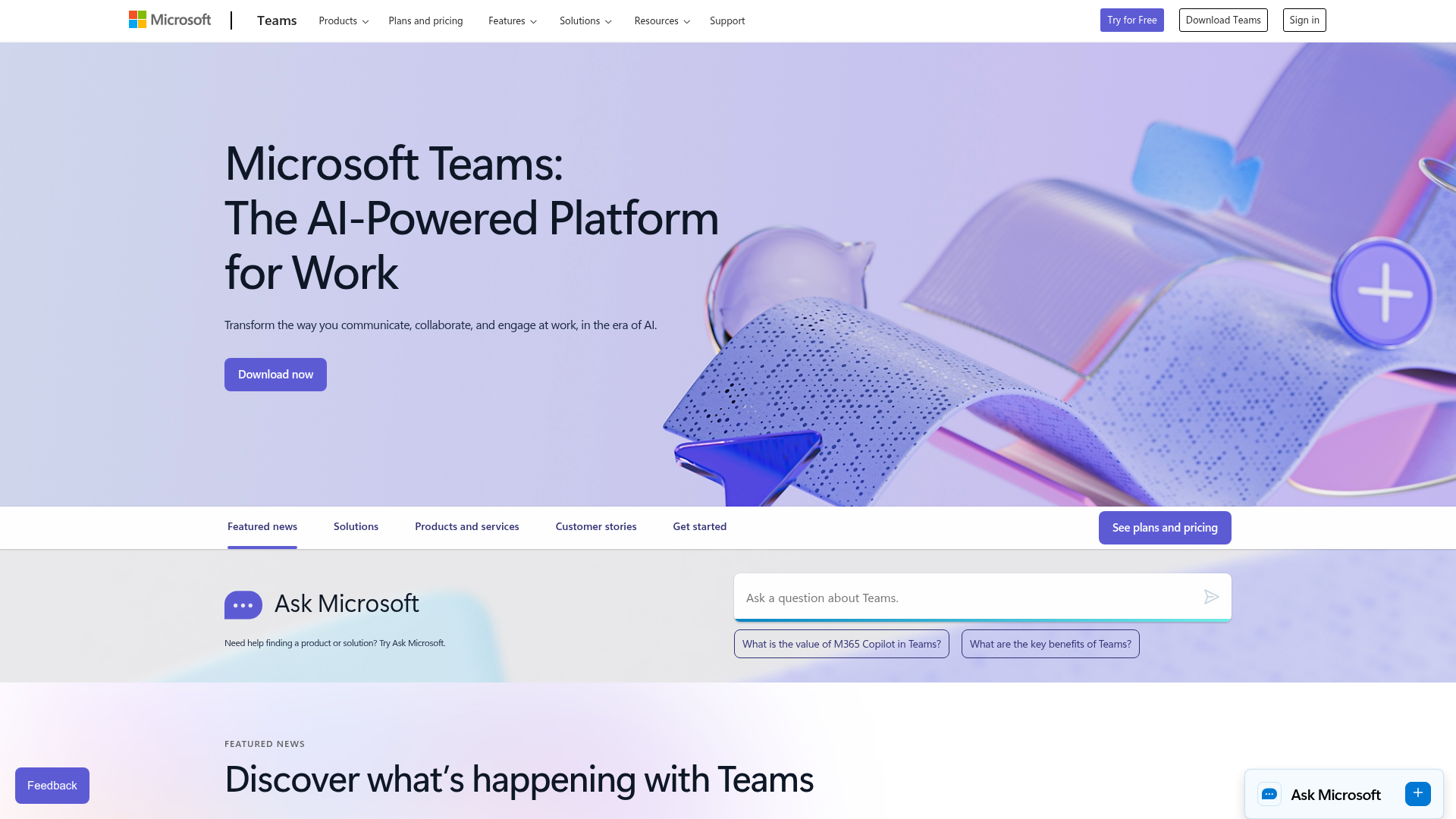
Microsoft Teams is the video conferencing and collaboration platform bundled with Microsoft 365. It is the default meeting tool for organizations in the Microsoft ecosystem, which means roughly 320 million monthly active users. Teams combines video calls, chat, file sharing, and integration with Word, Excel, PowerPoint, and SharePoint. It is not the best at any single thing, but it is the most integrated platform for companies already paying for Microsoft 365.
Strengths & limitations
Strengths
- +Bundled with Microsoft 365 at no extra cost
- +Deep integration with Microsoft ecosystem
- +Strong enterprise admin controls
Limitations
- –Can feel bloated and complex
- –Video quality trails Zoom
- –Copilot requires additional licensing
Pricing
Free: 60-minute group meetings, 100 participants. Included with Microsoft 365 Business Basic ($6/user/month), Business Standard ($12.50), and Enterprise E3/E5 plans. Teams Premium ($10/user/month add-on): AI meeting notes, live transcription, custom branded meetings, advanced meeting protection.
Who it's for
Organizations already on Microsoft 365. Enterprises that need deep integration with Office apps and Active Directory. Government agencies (Teams GCC/GCC High meets FedRAMP requirements). If you are not in the Microsoft ecosystem, Zoom or Meet is a better standalone video platform.
Verdict
A- · 88/100Teams wins on distribution, not product quality. It is good enough at video calling and great at integration with the Microsoft stack. The bot blocking move in 2026 signals that Microsoft wants to own the entire meeting experience (recording, transcription, AI summaries) through Teams Premium rather than letting third-party tools capture that value. For companies already on M365, Teams is the path of least resistance.
Key features
- Video meetings and webinars
- Microsoft 365 integration
- Copilot AI assistant
- Channels and chat
- File collaboration
What users say
Editing documents in real time while chatting with coworkers saves a lot of time.
G2
It hogs RAM, causes lag in calls, and drains batteries during video meetings.
G2
Files end up spread across chats, channels, and SharePoint, so it takes too long to find what you need.
G2


