
Google Meet
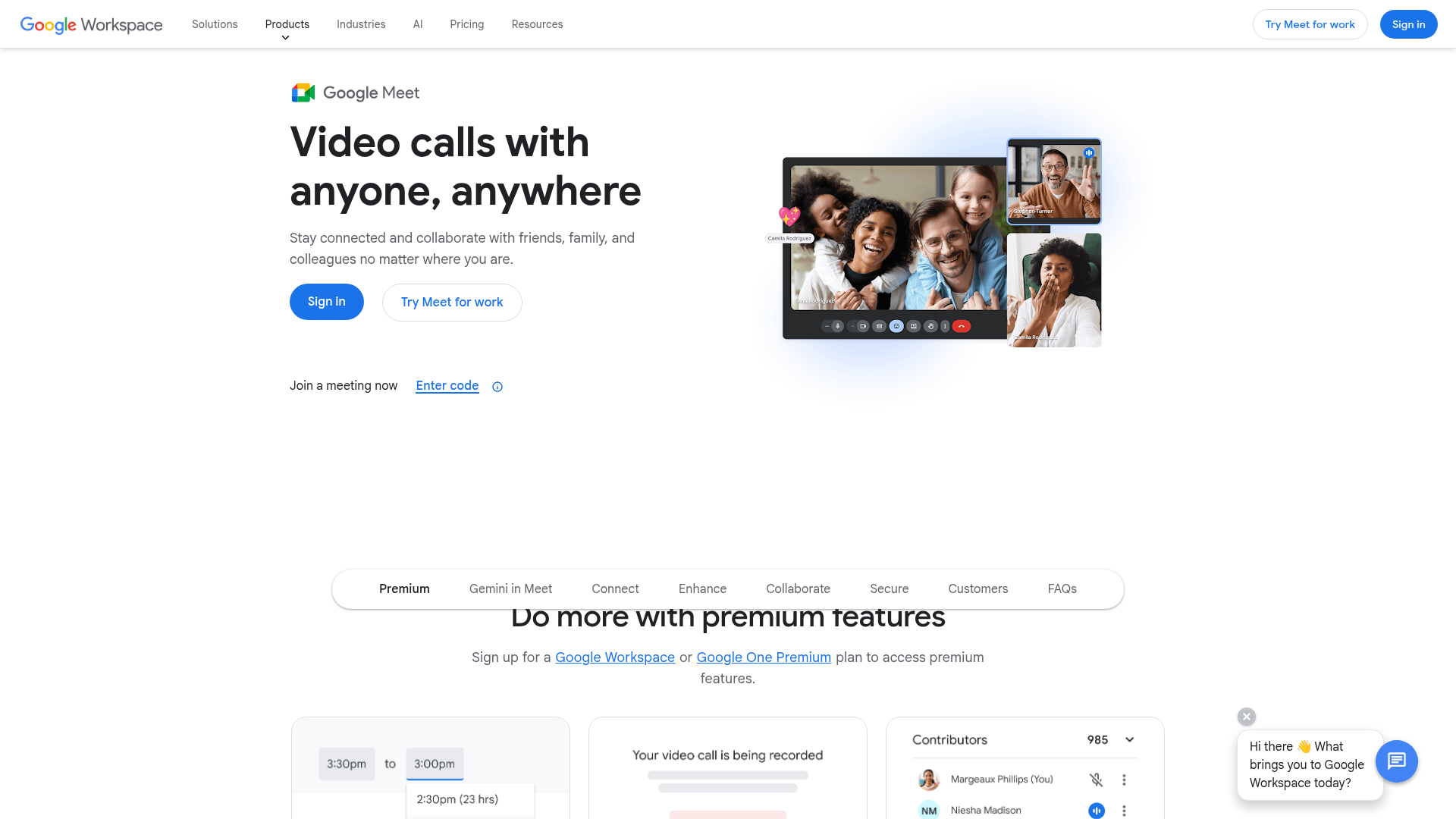
Google video conferencing built into Google Workspace with AI-powered meeting features.
Quick take
Meet is the video calling equivalent of Google Docs: it is not the most powerful, but it is fast, simple, and good enough for most use cases. The no-download browser experience is a genuine advantage that Zoom and Teams have not matched. The limitation is depth: Meet is great for standard meetings but lacks the feature richness and ecosystem of Zoom.
Google Meet scorecard
How we gradeSimple browser-native meetings for the Google ecosystem.
Overview
Google Meet is the video conferencing tool built into Google Workspace. It runs entirely in the browser (no download required), which makes it the fastest way to start a video call. Meet is the default for organizations using Google Workspace (Gmail, Calendar, Drive, Docs), and its integration with Google Calendar is the tightest in the market. Meet is free for personal use with a 60-minute limit on group calls.
Strengths & limitations
Strengths
- +No app download required
- +Clean, simple interface
- +Tight Google Calendar integration
Limitations
- –Fewer features than Zoom or Teams
- –Enterprise admin less granular
- –Recording requires paid Workspace
Pricing
Free (personal): 60-minute group meetings, 100 participants, no recording. Business Starter ($7.20/user/month): 24-hour meetings, recording to Drive. Business Standard ($14.40/user/month): 500 participants, attendance tracking, AI meeting notes. Business Plus ($21.60/user/month): advanced security. Enterprise (custom): 1,000 participants, advanced compliance.
Who it's for
Organizations on Google Workspace. Teams that frequently meet with external parties (the no-download experience reduces friction). Small companies that want video calling without a separate tool subscription. If you need advanced meeting features, large event support, or a developer API, Zoom is a better fit.
Verdict
B+ · 83/100Meet is the video calling equivalent of Google Docs: it is not the most powerful, but it is fast, simple, and good enough for most use cases. The no-download browser experience is a genuine advantage that Zoom and Teams have not matched. The limitation is depth: Meet is great for standard meetings but lacks the feature richness and ecosystem of Zoom.
Key features
- Browser-based, no download
- Gemini AI meeting features
- Auto-translated captions
- Google Workspace integration
- Adaptive audio for in-room+remote
What users say
It wins if your team already lives in Gmail and Calendar and you just need smooth, no-frills meetings.
G2
Chat history disappears once the call ends. If someone drops a helpful link, it's gone.
G2


