
Calendly
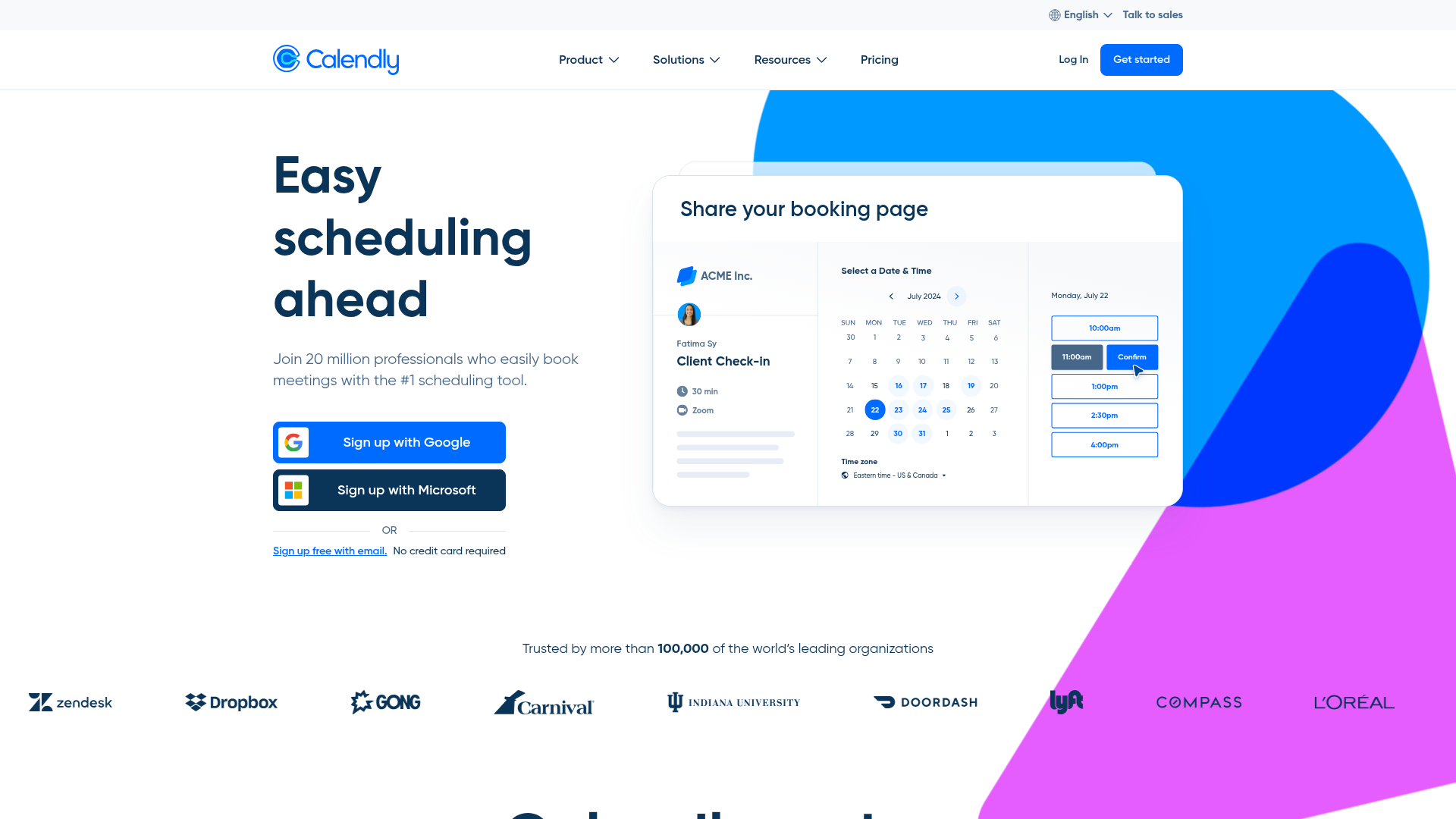
The most popular scheduling tool that lets others book time on your calendar via a shared link.
Quick take
Calendly is the safe, default choice for scheduling. It works well, integrates with everything, and nobody gets fired for choosing it. But it is no longer the only good option. Cal.com, SavvyCal, and Chili Piper all compete effectively in specific niches. Calendly's advantage is brand recognition and ecosystem depth, not innovation. If your company already pays for Calendly and it works, there is no reason to switch. If you are evaluating from scratch, compare the alternatives first.
Calendly scorecard
How we gradeThe default scheduling link tool with universal reach.
Overview
Calendly is the scheduling tool that most people think of first. You share a link, the other person picks a time, and it lands on both calendars. Simple. That simplicity, combined with being one of the first tools to nail the scheduling link concept, has given Calendly a dominant market position: 2,572 G2 reviews, 4.7/5 rating, $350M in funding, and 501-1,000 employees. It is used by individual freelancers and Fortune 500 sales teams alike. The brand is so strong that "send me your Calendly" has become shorthand for "let us find a time."
Strengths & limitations
Strengths
- +Category leader with universal recognition
- +Easy setup and intuitive UX
- +Wide integration ecosystem
Limitations
- –Per-seat pricing expensive for large teams
- –Customization options limited
- –Free tier is very basic
Pricing
Free: 1 event type, basic integrations. Standard ($12/seat/month): unlimited event types, group events, workflows, Stripe payments, HubSpot/Salesforce. Teams ($20/seat/month): round-robin, routing forms, Salesforce lookup, admin roles. Enterprise ($15,000/year minimum): SSO, SCIM, advanced security, dedicated support. All paid plans require annual billing for the listed prices; monthly is more.
Who it's for
Sales teams that need round-robin lead distribution and CRM integration. Customer success teams scheduling QBRs. Consultants and freelancers who book 10+ meetings per week. If you are a solo user or small team on a budget, Cal.com (free, open source) or TidyCal ($29 lifetime) gives you 90% of Calendly's functionality for a fraction of the cost.
Verdict
A- · 89/100Calendly is the safe, default choice for scheduling. It works well, integrates with everything, and nobody gets fired for choosing it. But it is no longer the only good option. Cal.com, SavvyCal, and Chili Piper all compete effectively in specific niches. Calendly's advantage is brand recognition and ecosystem depth, not innovation. If your company already pays for Calendly and it works, there is no reason to switch. If you are evaluating from scratch, compare the alternatives first.
Key features
- Scheduling links
- Round-robin and routing
- Team scheduling
- Payment collection
- Workflow automations
What users say
Solves the problem of back-and-forth emails when trying to schedule meetings.
Salesforce Developer · G2
I like Calendly for the convenience and time savings it brings to scheduling.
Mechanical Design Engineer · G2
Not always user-friendly, especially for people who are not tech-savvy.
HR Manager · G2


