
Cal.com
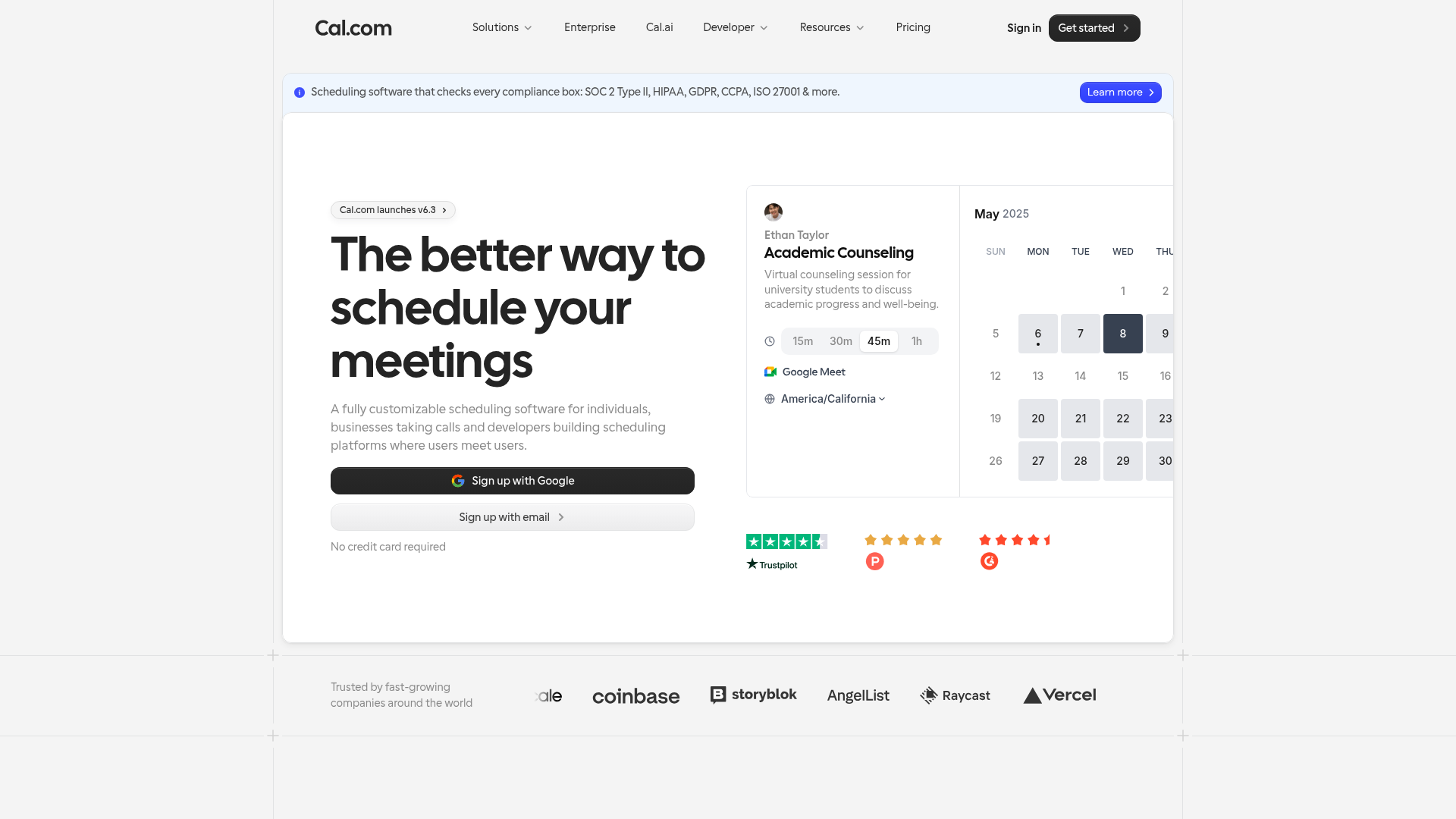
Open-source scheduling infrastructure that can be self-hosted or used as a managed service.
Quick take
Cal.com is the most interesting challenger to Calendly. The open-source model gives it a structural advantage in developer communities and privacy-conscious organizations. But for mainstream business teams, Calendly's polish and brand recognition still win. Cal.com is the better choice if you can self-host, need API-level control, or philosophically prefer open source. Calendly is better if you want something that works perfectly out of the box.
Cal.com scorecard
How we gradeOpen-source scheduling infrastructure for technical teams.
Overview
Cal.com is the open-source alternative to Calendly. The entire codebase is on GitHub, you can self-host it for free, or use their managed cloud starting at $15/user/month. Founded by Peer Richelsen, Cal.com has positioned itself as the scheduling tool for developers and teams who want control over their infrastructure. The open-source approach has earned it a passionate community and rapid feature development, though it remains much smaller than Calendly in total users and market share.
Strengths & limitations
Strengths
- +Open source with self-hosting option
- +Developer-friendly API
- +Strong community and rapid development
Limitations
- –Self-hosting requires technical effort
- –Less polished UX than Calendly
- –Smaller integration ecosystem
Pricing
Self-hosted: free, forever. You run it on your own servers. Cloud Individual: free for basic use. Cloud Team ($15/user/month): round-robin, team features, priority support. Cloud Enterprise (custom): SSO, SCIM, SLA, dedicated infrastructure. All cloud plans include standard integrations (Google, Outlook, Zoom, Meet).
Who it's for
Developer-led teams that value open source and self-hosting. Companies with strict data residency requirements (self-host in any region). Startups building scheduling into their own product via API. Budget-conscious teams willing to self-host for zero cost. If you want a polished, zero-configuration booking experience, Calendly is still easier.
Verdict
B+ · 81/100Cal.com is the most interesting challenger to Calendly. The open-source model gives it a structural advantage in developer communities and privacy-conscious organizations. But for mainstream business teams, Calendly's polish and brand recognition still win. Cal.com is the better choice if you can self-host, need API-level control, or philosophically prefer open source. Calendly is better if you want something that works perfectly out of the box.
Key features
- Open-source scheduling
- Self-hosting option
- Developer API
- Team scheduling
- Custom workflows
What users say
Open source, offering transparency that most scheduling platforms lack.
G2
The initial setup can be complex, which may pose a challenge for new users.
G2


