
Otter.ai
AI meeting assistant that records, transcribes, and summarizes meetings in real time.
Quick take
Otter.ai is a solid, well-known meeting transcription tool with a strong free tier and good real-time capabilities. It is not the best in any single dimension (Fathom is better value, Fireflies has better integrations, Deepgram has better accuracy), but it covers the widest range of use cases. The lower satisfaction scores on G2 suggest that while Otter works, it does not delight users the way Fathom does. A safe choice, not an exciting one.

 A
A 


Otter.ai scorecard
How we gradeA category-defining, profitable, widely adopted meeting assistant, held back by middling transcription accuracy and unresolved consent litigation.
Overview
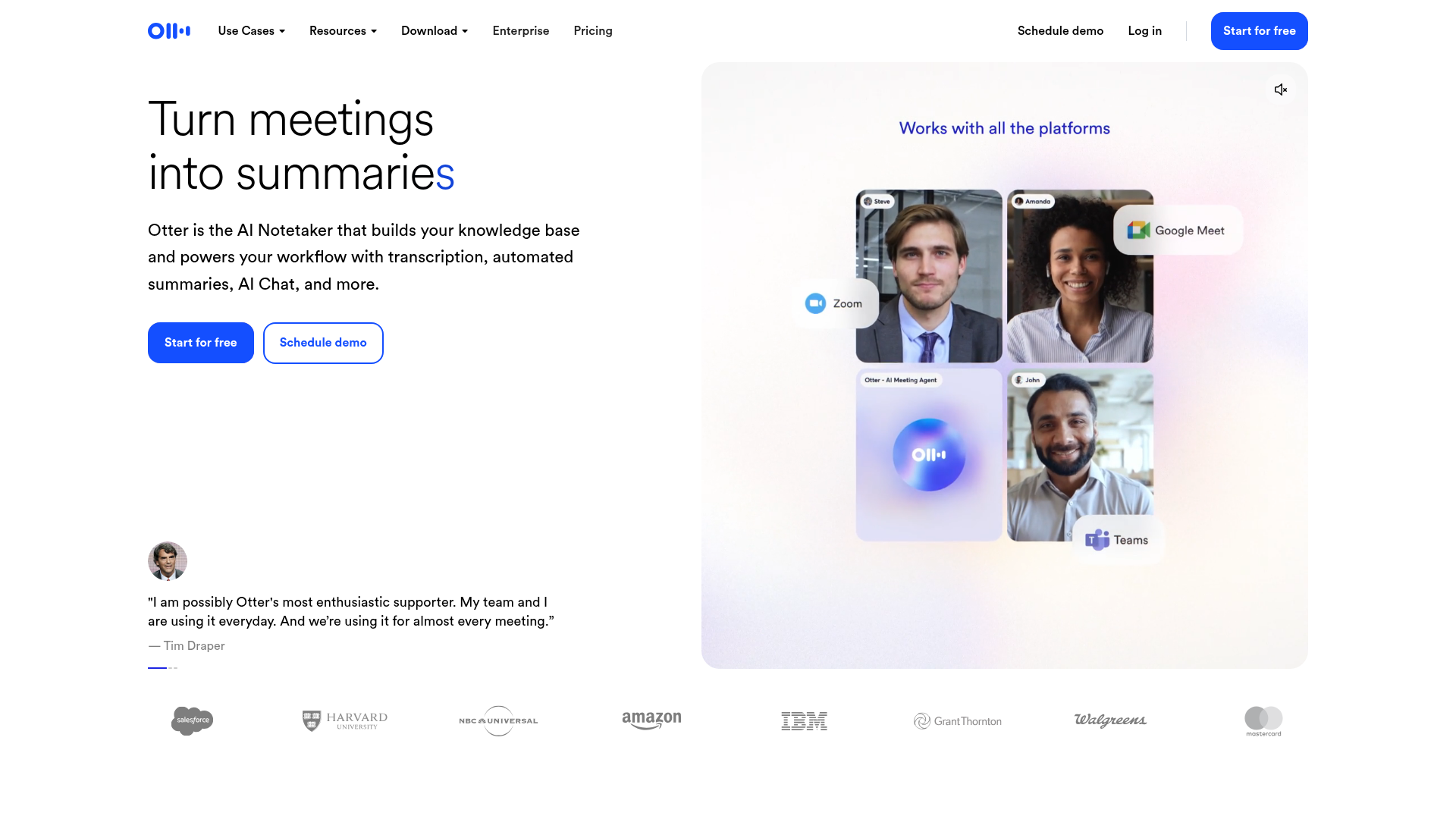
Otter.ai was one of the first AI transcription tools to reach mass adoption, and its brand recognition remains strong. The product records meetings across Zoom, Teams, and Google Meet via its OtterPilot bot, generating real-time transcripts with speaker identification. After the meeting, you get AI summaries, action items, and a searchable archive of every conversation. Otter also works for non-meeting use cases: upload audio files, record in-person conversations via the mobile app, or transcribe live events. The company has raised about $73M and has around 200 employees, making it one of the larger players in the notetaker space.
Strengths & limitations
Strengths
- +Generous free tier with 300 minutes/mo
- +Strong real-time transcription accuracy
- +Works across all major meeting platforms
Limitations
- –Bot presence can feel intrusive to attendees
- –Limited language support outside English
- –Enterprise pricing jumps significantly
Pricing
Basic (Free): 300 transcription minutes/month, live transcription, speaker ID, 3 file imports, Zoom/Teams/Meet. Pro ($16.99/user/month): 1,200 minutes, advanced AI workflows, 10 file imports, up to 90 min per meeting, Salesforce/HubSpot/Zapier integrations. Business ($30/user/month): unlimited minutes and recordings, custom AI workflows, unlimited file imports, up to 4 hours per meeting, admin analytics. Enterprise (custom): SSO, SCIM, HIPAA compliance add-on, API access, video replay.
Who it's for
Teams that need real-time transcription as a core feature, not just post-meeting summaries. Accessibility-focused organizations. Users who record both meetings and non-meeting audio (interviews, lectures, events). If your primary need is just meeting summaries and you do not care about live transcription, Fathom offers more for free.
Verdict
B+ · 84/100Otter.ai is a solid, well-known meeting transcription tool with a strong free tier and good real-time capabilities. It is not the best in any single dimension (Fathom is better value, Fireflies has better integrations, Deepgram has better accuracy), but it covers the widest range of use cases. The lower satisfaction scores on G2 suggest that while Otter works, it does not delight users the way Fathom does. A safe choice, not an exciting one.
Key features
- Real-time transcription
- OtterPilot auto-join
- AI meeting summary
- Action item extraction
- Slack and Salesforce integrations
What users say
Otter.ai automatically transcribes meetings, saving me hours of note-taking every week.
Senior Software Engineer · G2
Recording meetings has streamlined my workflow, making it easier to stay on top of action items.
Safety Manager · G2
Transcriptions are not always accurate, requires manual corrections.
Senior Software Engineer · G2
Frequently asked questions
Is Otter.ai free?
Otter offers a free tier with 300 monthly transcription minutes and basic features. Paid plans start at $16.99/month (Pro) for 1,200 minutes and advanced AI workflows.
Does Otter.ai work with Zoom?
Yes. Otter integrates with Zoom, Google Meet, and Microsoft Teams. Its OtterPilot feature auto-joins scheduled meetings from your calendar.
Is Otter.ai HIPAA compliant?
HIPAA compliance is only available on the Enterprise plan, which is custom-priced. The free, Pro, and Business tiers do not include HIPAA coverage.
How accurate is Otter.ai transcription?
Otter provides strong real-time transcription accuracy for clear English audio. Accuracy can degrade with heavy accents, background noise, or multiple speakers talking at once.
What is the difference between Otter.ai and Fathom?
Fathom offers unlimited free recording with no minute caps and uses a native Zoom integration (no bot). Otter has a 300-minute free cap but supports real-time transcription and wider non-meeting use cases like uploaded audio and live events.
Company profile
Leadership
Funding history
Investors


Notable customers
A 


